Spori način rada
Ova je funkcija dostupna s dodatkom za chat uživo verzije 8.3.0.
Uvod
As a streamer, you can choose to rate limit your viewers messages in the chat.
This can be really usefull to:
- avoid message flooding
- avoid unreadable chat if there are many viewers talking
You can set a number of seconds that users will have to wait after sending a message, before sending another.
This limitation does not apply to moderators.
Opcija sporog načina rada
Opcija sporog načina rada se može postaviti na stranici za konfiguraciju kanala:
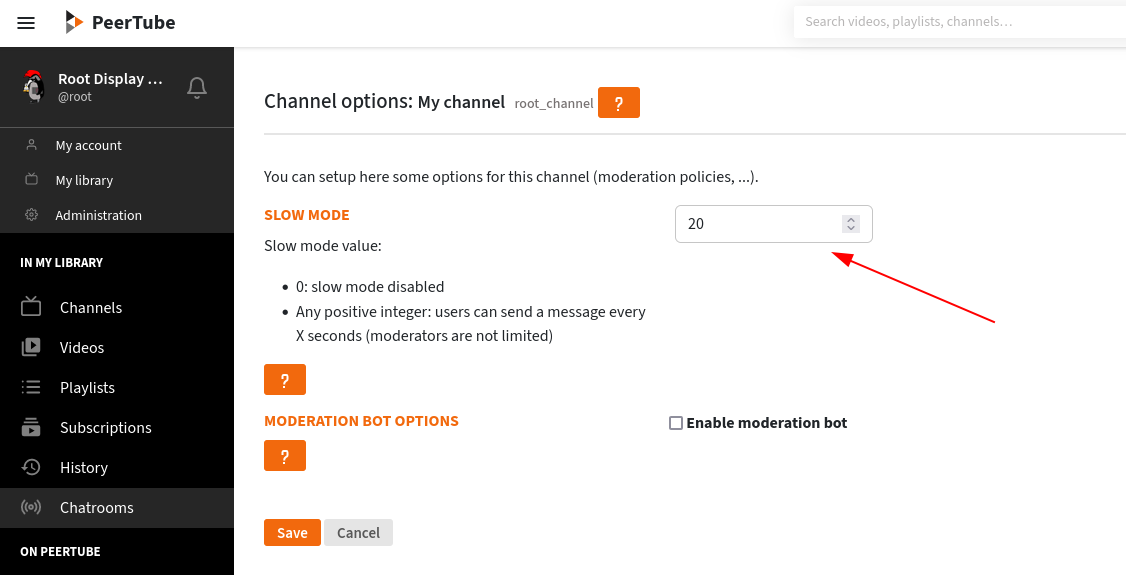
This value will apply as a default value for all your channel’s chatrooms.
Setting the value to 0 will disable the feature.
Setting the value to a positive integer will set the period during which users will not be able to post additional messages.
To modify the value for an already existing room, just open the room “configuration” menu (on top of the chat window), and change the slow mode value in the configuration form.
For viewers
If the slow mode is enabled, users will be informed by a message.
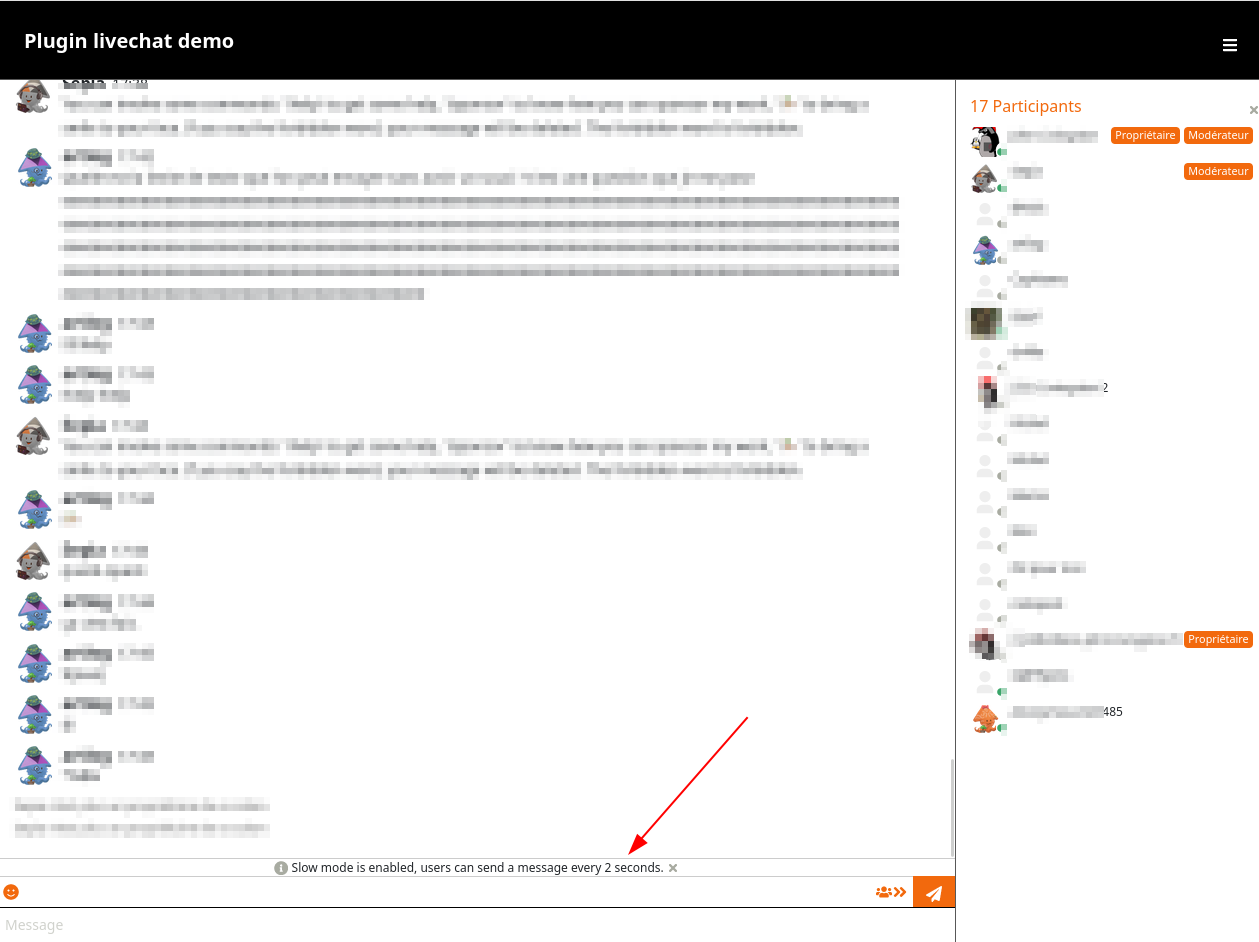
When they send a message, the input field will be disabled for X seconds (where X is the slow mode duration).
This limitation does not apply to moderators.